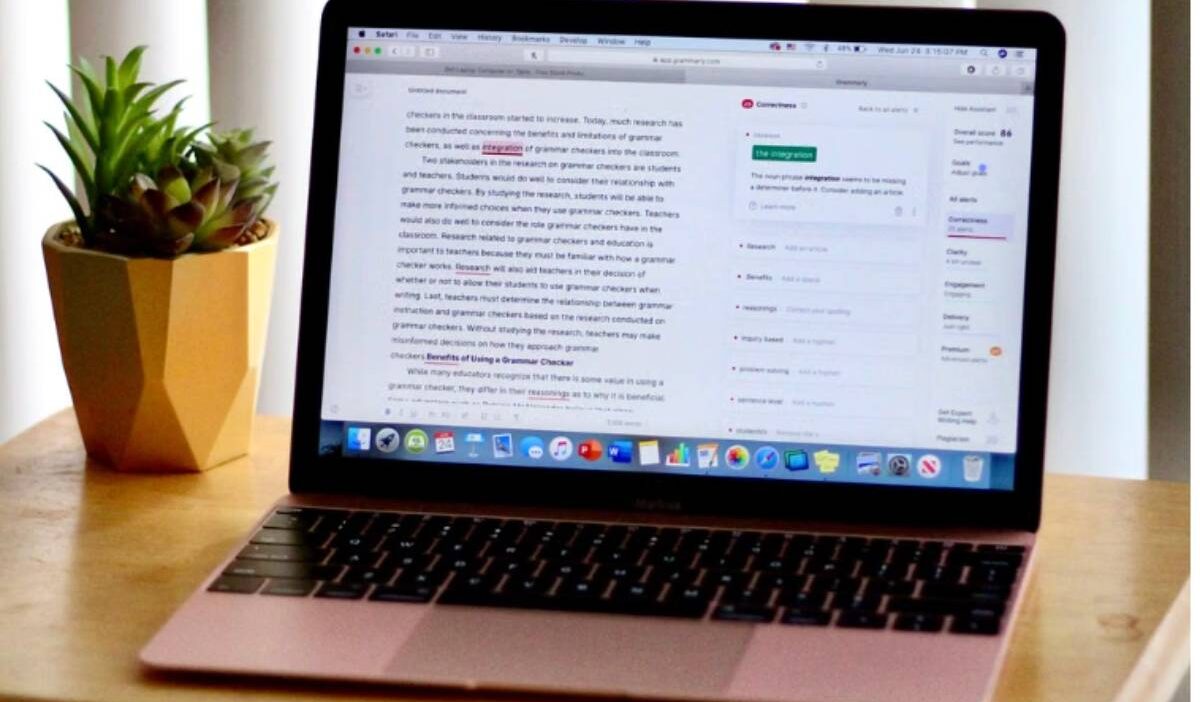
A red underline is easy to understand, but Grammarly becomes less straightforward when some suggestions open normally and others lead to an upgrade screen. This makes “is Grammarly free?” a practical question for anyone considering the tool for school, work, or everyday writing.
The real concern is not simply whether an account can be created at no cost. Users also need to know what they can do before reaching a paywall, how the free and Pro plans differ, and which limits may affect the way they write.
1. Is Grammarly Free?
Yes. Grammarly offers a free plan that can be used without purchasing a subscription. Users can create an account, install Grammarly on supported browsers and devices, and receive writing suggestions across compatible websites and applications.
The free plan is intended for basic writing support rather than unrestricted access to every Grammarly feature. Advanced revisions, plagiarism detection, and several Pro writing tools remain behind a paid subscription.
2. What Features Are Included in Grammarly Free?
Grammarly Free focuses on correcting common mistakes and providing basic feedback while you write. Available features generally include:
- Spelling correction
- Grammar correction
- Punctuation suggestions
- Basic writing clarity feedback
- Tone detection
- Limited generative AI prompts
- Limited access to Grammarly’s AI agents and writing tools
- Automatic citation generation for supported online sources
- Personal dictionary and language preference settings
- Browser extensions and supported desktop or mobile applications
- Grammarly Editor access for uploading or pasting text
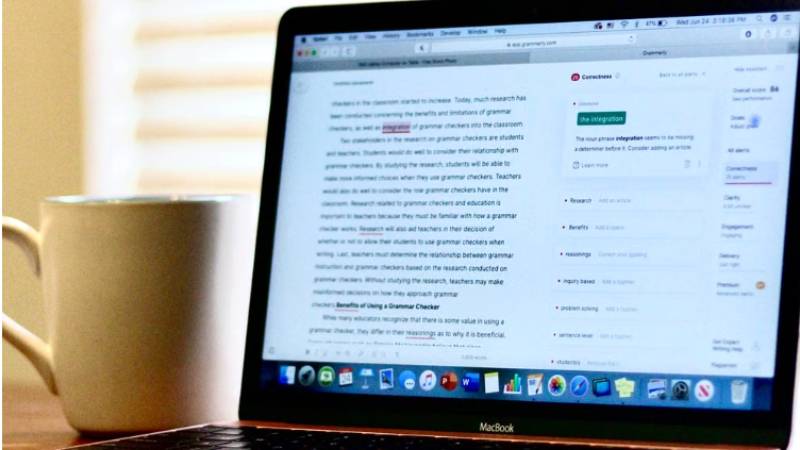
Some advanced suggestions may still appear in the interface but remain locked. Grammarly may show the type or number of additional issues found without revealing the complete corrections unless the user upgrades.
>>> Read more: Is Wix Free? Key Features, Limits, and Hidden Costs Explained 2026
3. Grammarly Free vs. Grammarly Pro: What are the Differences?
The table below shows the main differences between the two plans.
| Comparison Factor | Grammarly Free | Grammarly Pro |
|---|---|---|
| Subscription cost | No charge | Paid subscription |
| Spelling and grammar | Corrects common mistakes | Includes basic checks plus advanced corrections |
| Punctuation | Basic suggestions | Basic and advanced suggestions |
| Clarity feedback | Limited suggestions | More detailed clarity and conciseness feedback |
| Tone detection | Identifies how writing may sound | Adds suggestions for adjusting tone |
| Full-sentence rewrites | Limited or unavailable | Included |
| Vocabulary suggestions | Limited | More advanced word-choice improvements |
| Writing style | Basic feedback | Advanced style and delivery suggestions |
| Generative AI | Limited prompt allowance | Higher prompt allowance |
| Plagiarism detection | Not included in the standard free plan | Included on supported products |
| AI detection | Limited or unavailable within the standard workflow | Available with supported paid products and applications |
| Citations | Basic citation-generation tools | Citation tools plus plagiarism-related support |
| Personal writing voice | Limited | Advanced voice and rewriting features |
| Strategic writing suggestions | Not included or limited | Included where supported |
| Browser and app support | Available across supported products | Available with advanced features unlocked |
| Best suited for | Everyday emails, messages, and basic proofreading | Academic, professional, and long-form writing requiring deeper revision |
4. Who Can Use Grammarly Without Paying?
Grammarly Free can support users who mainly need help catching everyday writing mistakes, including:
- Students checking grammar, spelling, and punctuation in essays or assignments
- Job seekers reviewing resumes, cover letters, and application emails
- Professionals proofreading routine messages and short documents
- Freelancers checking basic accuracy before submitting work
- Non-native English speakers identifying common language mistakes
- Bloggers and social media users polishing captions and short posts
- Personal users improving emails, forms, and online messages
- New Grammarly users testing the interface before considering an upgrade
The free plan is less suited to users who regularly need advanced rewriting, plagiarism checks, detailed style feedback, or a larger allowance for AI-assisted writing.
Grammarly can support basic proofreading, but its suggestions should be reviewed rather than accepted automatically.
An eight-week study involving 31 university students found that students using an AI writing assistant reduced grammatical errors and improved aspects of their vocabulary use.
5. What to Check Before Upgrading Grammarly?
A Pro subscription may offer little value if basic corrections already cover your needs. Use this checklist before upgrading:
- Review which suggestions are locked in your current documents.
- Decide whether you need full-sentence rewrites or only basic corrections.
- Check whether plagiarism detection is required for your work or studies.
- Estimate how frequently you will use generative AI assistance.
- Confirm the current AI prompt allowance for the Pro plan.
- Check whether the features work in the browser, device, and applications you use.
- Compare monthly and annual billing options.
- Calculate the total annual payment rather than looking only at the monthly equivalent.
- Check whether the displayed price is an introductory offer.
- Review the renewal date and regular renewal price.
- Find out whether your school or employer already provides Grammarly access.
- Review the cancellation and refund terms before paying.
- Check whether a free trial is available and requires payment information.
- Confirm whether your academic or workplace policy permits Grammarly’s AI features.
>>> Read more: Is Tubi Free? What You Can Watch and What the Catch Is
6. FAQs
Is Grammarly Free available without a credit card?
Yes. You can create and use a Grammarly Free account without entering credit card details. Payment information may be required if you enroll in a Pro trial or purchase a subscription.
Is Grammarly Free good enough for students?
It can be sufficient for basic spelling, grammar, punctuation, and tone checks. Students who need plagiarism detection, advanced rewrites, or deeper style suggestions may require Grammarly Pro or another tool provided by their school.
Does the free version of Grammarly check plagiarism?
The standard Grammarly Free plan does not include the integrated plagiarism checker. This feature is available through eligible paid plans and supported Grammarly products.
Can Grammarly Free rewrite complete sentences?
Grammarly Free may provide limited rewriting through its available AI prompts, but it does not provide the same unrestricted full-sentence rewrite features as Grammarly Pro. Access may vary by product and platform.
Does Grammarly have a free Pro trial?
Grammarly periodically offers free Pro trials, but they are not continuously available to every user. Grammarly advises checking the upgrade page for a current trial offer.
7. Conclusion
Grammarly Free is suitable for correcting common mistakes and reviewing the basic tone of everyday writing. Whether an upgrade is worthwhile depends on how often you need deeper revisions, plagiarism detection, expanded AI assistance, or professional writing feedback.
For most users asking “is Grammarly free?”, the answer is yes for its core proofreading tools, while advanced support requires Grammarly Pro. Start with the no-cost plan, note which limits affect your work, and upgrade only when the paid features solve a recurring need.